
Who it's for
Just you and it — no setup, no subscription
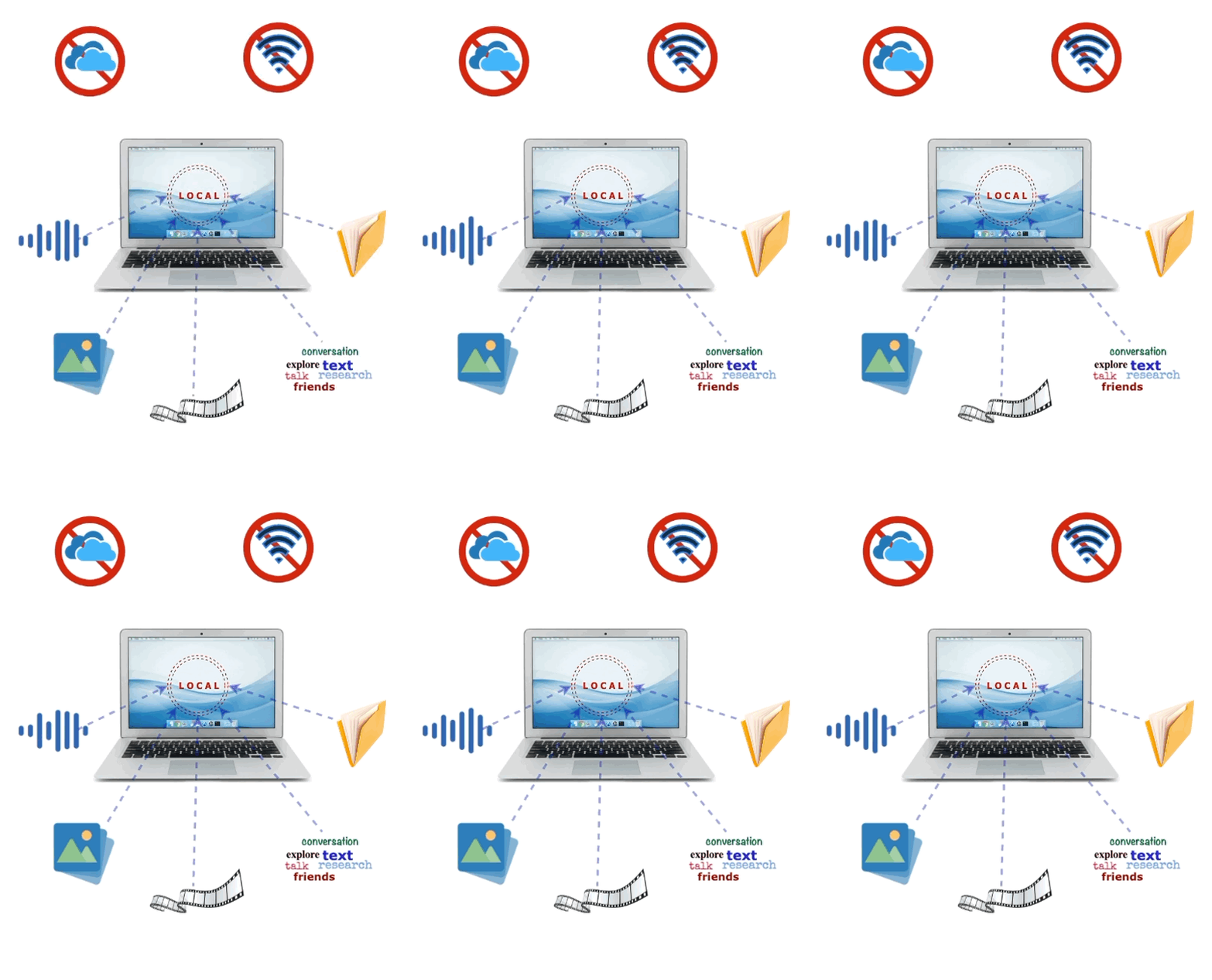
Install it, talk to it. Minutes, not an afternoon.
Speak or type. Hand it a photo, a document or a voice recording — and just talk about it.
Everything stays on your computer. No account, no cloud — it works with the Wi-Fi off.
The one voice among all your AI tools
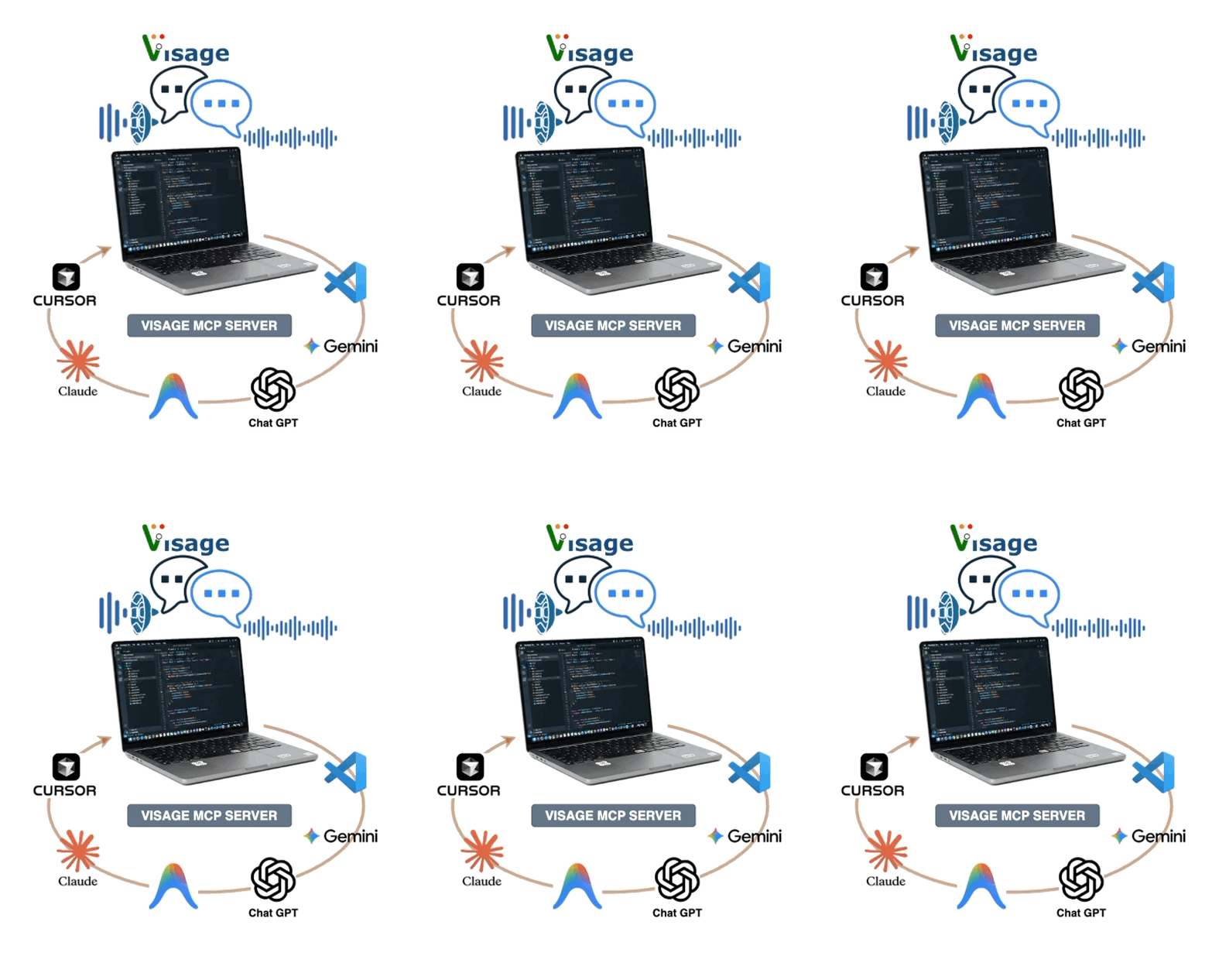
Your IDE, terminals and AI sessions — one shared face. Any tool that speaks MCP can talk through it.
Hear “build finished — two tests failing” from another workspace. Answer by voice or keyboard and carry on.
It never interrupts mid-sentence, names which app is asking, and one switch turns it all off.
See in action
Meet Visage
Forty-five seconds on what Visage is.
A face made of light on your desktop. It listens, thinks and talks back — and all of it happens on your own computer.
A day with Visage
One real session, start to finish.
Ask out loud while you read, and the Board opens with the full answer laid out — ready to save or print.
Fully yours
By default, everything — the language model, speech recognition, voice, and face tracking — runs on your own computer. No account, no telemetry, no server of ours — and no subscription: zero running cost, no per-question fees. Turn off Wi-Fi and Visage keeps working. A cloud AI is there if you want one, always opt-in and always using your own key.
The look is the product
There's no toolbar, no window chrome, nothing fighting for space in your dock. Just a face — a cloud of light, floating wherever you put it. It's a presence on your desk, not another window.
Any brain, one face
Switch the AI behind Visage at any time, mid-conversation — the state-of-the-art local model it comes with, or a cloud model from Anthropic, OpenAI, or a compatible provider of your choice. And it goes further than brains: your other AI tools and agents can borrow the face too — however many assistants you run, there's one face, one voice, one place to look.
What it does
The face
A borderless, see-through face made of light, floating anywhere on your screen. Drag it wherever you like. It listens, thinks, and speaks with real expressions — smiles, glances, a wink now and then.
Conversation
Talk to Visage by typing or speaking, summoned instantly whenever you need it. Its default brain is a state-of-the-art AI model that runs entirely on your computer — or switch to a cloud provider using your own key, without losing the thread of the conversation.
Voice
Every reply can be spoken aloud, lips synced to the words, entirely offline. Choose full narration, a short spoken summary, or text only — whatever suits the moment.
Listening
Hold a key to talk — from any app, using a shortcut you choose — and Visage transcribes what you said the instant you let go, entirely on your computer. Nothing is recorded until you press hold.
Dictation
Don't feel like typing? Tap Dictate and speak — your words land in the input box for you to tidy before sending, transcribed entirely on your machine.
Documents, photos, recordings
Attach anything with the “+” button and talk it over: photos and screenshots, PDFs, text files, even voice recordings — transcribed and understood on your computer. Visage only offers what your chosen brain can genuinely handle; it never pretends.
The Board
When an answer deserves more than a chat bubble, it opens on the Board: a proper window for tables, documents, and plans that sits beside your work. Save it as Markdown or HTML, or print it straight to PDF.
A face for your other tools
Turn it on, and any MCP-capable app — Claude Code, Claude Desktop, VS Code, Cursor, and friends — can speak and ask questions through Visage, with your answer carried back to the app that asked. Off by default; one toggle is the kill switch.
Presence
Turn on your camera and Visage's eyes will follow you around the room. Frames are analyzed instantly and never stored or sent anywhere. Leave it off and Visage's gaze follows your mouse instead.
Privacy by design
No account. No telemetry, ever. Any API keys you choose to add stay in your computer's own secure credential store. Nothing leaves your machine unless you deliberately connect a cloud provider.
Specifications
The real numbers
| Runs on | Mac — Apple Silicon (M1 or later), macOS 14+ · Windows 10 (64-bit, 1809+) and Windows 11 |
|---|---|
| App download | about 18 MB |
| Local AI | one download — about 7.6 GB (recommended) or 5.7 GB (lighter) — then fully offline |
| Understands | typed and spoken questions · photos & screenshots · PDFs · text files · voice recordings |
| Speaks | lip-synced voice — full answers, short spoken summaries, or text only |
| Listens | hold-to-talk from any app with a shortcut you choose · dictation · nothing recorded until you hold |
| Cloud brains | Optional: Anthropic · OpenAI · any compatible endpoint — your own key |
| Works with your tools | any MCP-capable app (Claude Code, Claude Desktop, VS Code, Cursor, …) — off by default |
| Privacy | no account · no telemetry · keys stay in your system's secure credential store |
| Licence | £69 one-time · 2 computers, Mac or Windows · all v1.x updates included · 15-day free trial |
What you need
Requirements & honest download sizes
Visage requires a Mac with Apple Silicon (M1 or later) and macOS 14 (Sonoma) or later — or a Windows 10 (64-bit, version 1809+) or Windows 11 PC. On Windows, WebView2 installs automatically if missing, and a GPU is recommended (not required) for the local brain.
A note for Windows users: the installer is digitally signed (publisher: RAPHS LTD). If SmartScreen still shows a notice while the new signature earns its reputation, choose “More info → Run anyway” once.
The app itself is a small download — about 18 MB. The first time you open it, Visage downloads its AI brain in the background: about 7.6 GB for the recommended model, or 5.7 GB for a lighter option that runs comfortably on less powerful machines. You choose which one, and that's the only large download involved.
Privacy
No account. No telemetry. Runs on your computer.
Visage doesn't ask you to sign in and doesn't phone home. Conversations, voice, and camera frames are processed locally and are never stored or transmitted — unless you deliberately connect a cloud AI provider using your own key. Read the full detail in the Privacy Policy.
Pricing
Get Visage
£69one-time
- Includes all v1.x updates
- Free, full-featured 15-day trial — no card required
- Works on up to 2 computers (Mac or Windows)
 Free trial — Mac
 Free trial — Windows
Instant delivery: your licence key is issued immediately after payment. By purchasing you agree to the EULA and acknowledge that you lose the 14-day right to cancel once the digital content is supplied — a free 15-day trial is available before purchase.
Refunds are handled per our payment processor's (Stripe) standard consumer refund policy — see the Privacy Policy or contact support@raphs.app.